
A station of one
TUNEKU
FM
With your AI, turn your own music into a personal radio station.
ON AIRNow playing · that song you've kept for years
“You said you had meetings all day. Next up, something slower — take a breath.”
ON AIR
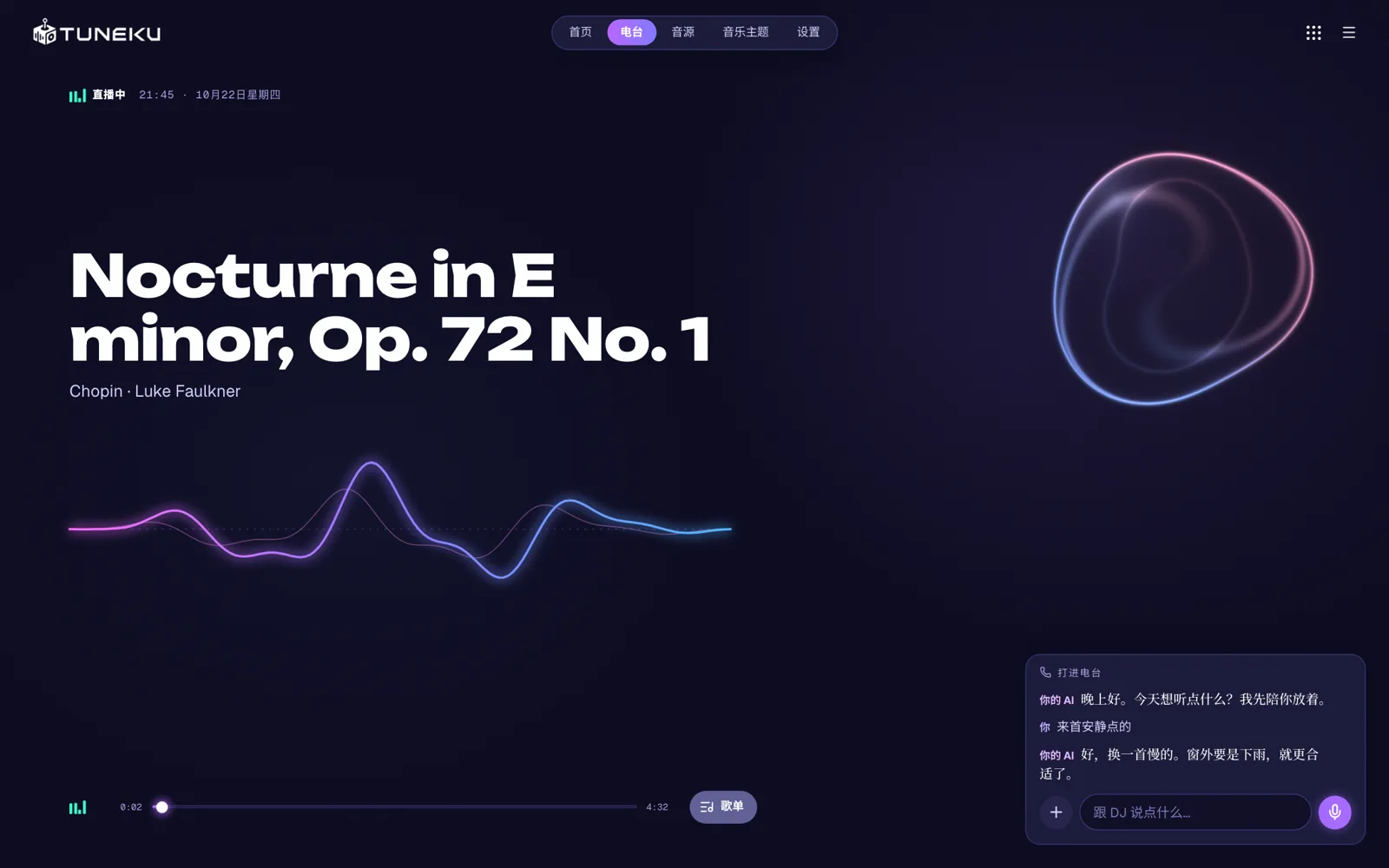
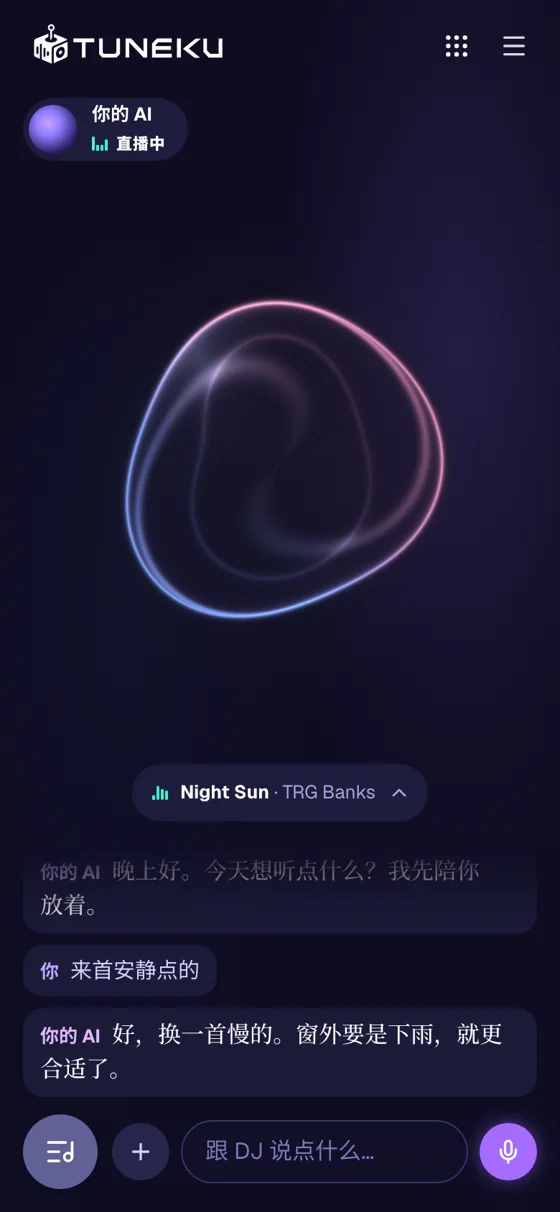
On Tuneku FM, you'll hear
- 01
Your own music
The songs you've collected on your computer over the years play one after another, like a radio station. The screen can show Starfield, Vinyl or Clockwork, and switching between them never stops the music.
- 02
A word or two between songs
When you open Tuneku FM, your AI may say hello, at most once a day. Every so often, between songs from your computer, your AI adds a line or two about the one that's just started, the way a radio host would.
- 03
What's next is up to you
In the mood for something quiet? Ask your AI to pick one from the music on your computer. Want to talk about your day? Go ahead.
FAQ
01Does Tuneku cost anything?
You can listen for free. Every account gets a weekly allowance that resets on Monday at 00:00 UTC, so you can use more on the days you choose. Playing and skipping songs with the player, and changing the look on screen, don't use your allowance. If your AI says hello when you open Tuneku FM, that doesn't use it either. The lines between songs use your allowance whether or not “Read replies aloud” is on. So does chatting with your AI, including requesting songs or asking to skip a song. Voice input and read-aloud replies use the same allowance. Your account shows how much of your weekly allowance is left and how long until it resets. If it runs out, you can wait for Monday or buy a top-up pack. The extra allowance from a top-up pack never expires. Paid plans give you a larger weekly allowance.
02Is there an app to download?
No. Sign in with your Worldku account and listen in your browser. If you use “Choose a music folder”, some browsers will remember your choice, though you may need to allow access again when you return. Others require you to choose the folder again each time. Songs picked with “Select music files” need to be picked again each time you open the site.
03Is your music uploaded?
No. Your audio files play only on your device and are never uploaded, and your AI can't see the files themselves or where you keep them. To announce and pick songs, your AI sees the titles and artists of a few dozen songs at a time: the one playing now, a few just before and after it, songs you've played recently, and some others from your library.
04Can you use Tuneku without Apple Music?
Yes. The music files on your computer are all you need. If you subscribe to Apple Music, you can also connect it and play your Apple Music library.
05How do you request a song or chat with your AI?
Type in “Call in”, or use “Talk” to turn what you say into text in the message box, then send it. Your AI replies first, then picks a song from your computer or skips to the next one, as you asked. Requests in chat use your allowance. Playing and skipping songs with the player's buttons doesn't.
06How do you hear your AI's voice?
Choose a voice for your AI in your Worldku account, then turn on “Read replies aloud” in Tuneku to hear your AI's replies. Voice input and read-aloud replies use the same allowance as chatting.
07Does your AI remember you here too?
If memory is on in your Worldku account, the things your AI remembers from other Worldku apps can come up here too. Your play history list stays in the browser you're using and doesn't sync to your other devices automatically.
TUNEKU
FM